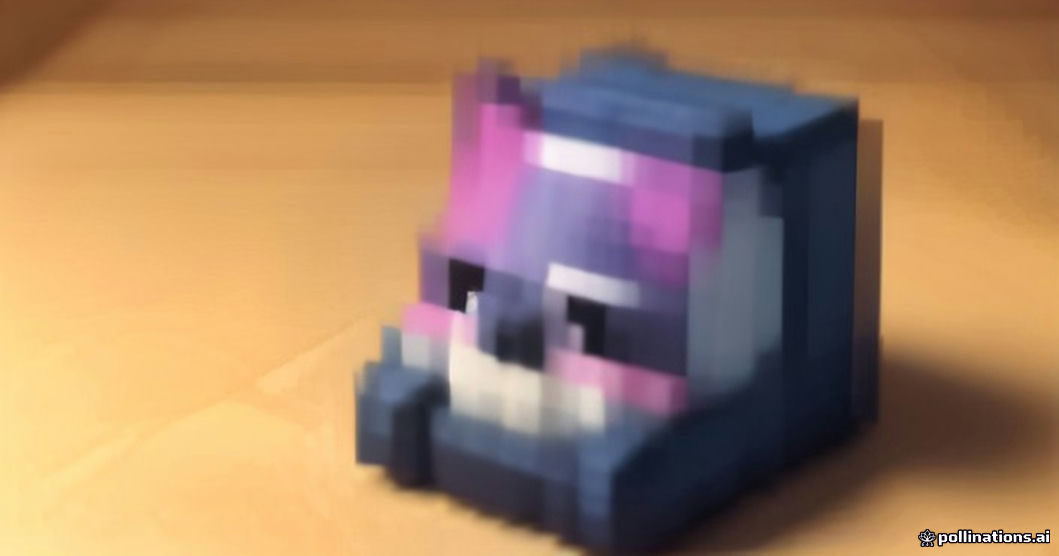
Creating engaging, animated companions for productivity apps can be challenging when you need to support low‑end Android hardware.
Voxel pet rendering on a 2D canvas refers to drawing three‑dimensional blocky characters by calculating pixel colors directly on an ordinary HTML canvas, without relying on WebGL or external 3D libraries.
Why Choose a 2D Canvas Over WebGL
WebGL offers powerful graphics but adds a heavy runtime footprint, which can cause frame drops on cheap devices. A plain 2D canvas works with the browser’s built‑in raster engine, keeping memory usage low and ensuring consistent performance across a wide range of Android versions.
How the Tiny Ray Caster Works
The core of the engine is a minimalist ray caster that iterates over each pixel, determines which box (voxel) it intersects, and shades it based on a simple lighting model. The algorithm can be expressed in about 350 lines of JavaScript, making it easy to audit, extend, and debug.
- Cast a ray from the camera through the pixel.
- Step through the voxel grid until a non‑empty box is hit.
- Compute surface normal and apply a flat shading factor.
- Write the final color into the canvas pixel buffer.
Building the Box List for Each Pet
Every pet is represented as an array of axis‑aligned boxes. Each box stores its position, size, and color. By adding or removing boxes, the pet can grow, shrink, or change shape without altering the rendering pipeline.
- Define the pet’s skeleton as a set of cubes.
- Assign a unique hue to each body part for visual distinction.
- Update the array whenever the pet levels up or gains accessories.
Optimizing Performance for Low‑End Devices
Performance gains come from limiting the ray‑casting depth, reusing a single canvas buffer, and avoiding expensive JavaScript features such as Object.defineProperty in the inner loop.
- Cache the camera matrix and reuse it across frames.
- Skip background pixels that are guaranteed to be empty.
- Use requestAnimationFrame to synchronize drawing with the display refresh.
Frequently Asked Questions
Can this technique be used for full‑screen games?
Yes, but you may need to increase the ray‑casting resolution and add more sophisticated lighting, which can impact performance on low‑end hardware.
Is the engine compatible with iOS browsers?
The canvas API is standardized across browsers, so the same code runs on iOS Safari without modification.
How do I add animation to the voxel pets?
Animate by updating the box list each frame—e.g., rotate a tail box or change its color—to create the illusion of movement.
Do I need any external libraries?
No. The entire renderer is pure JavaScript and HTML5 canvas, keeping the bundle size under 20 KB.
What tools help debug the ray caster?
Use the browser’s performance profiler to monitor frame time and console.log the ray‑step count for individual pixels.
Neptune Infotech can help turn innovative ideas like voxel‑pet canvases into polished mobile experiences—reach out to discuss your next project.